
Want to know what your customers really think about your service? Your Customer Satisfaction Reporting helps you know how happy people are with your service, which team members are absolutely crushing it. It measures visitor feedback on service quality through post-chat surveys, ratings and comments.
Importance:
- Provides direct insight into customer perception and service effectiveness
- Enables data-driven decisions for training and process improvements
- Helps identify top-performing agents and best practices
- Facilitates benchmarking against industry standards and company goals
To access Customer Satisfaction Reporting, navigate to Analytics for the main dashboard menu. You can find it under the customer support section
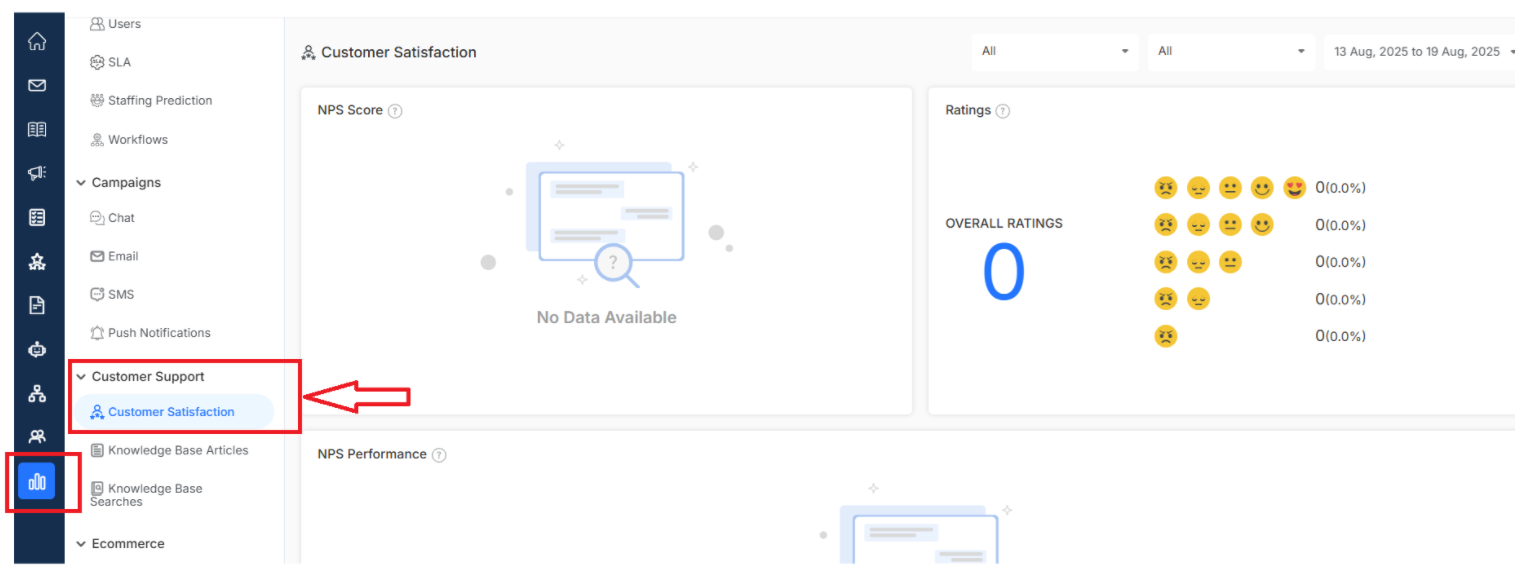
Key Metrics Included
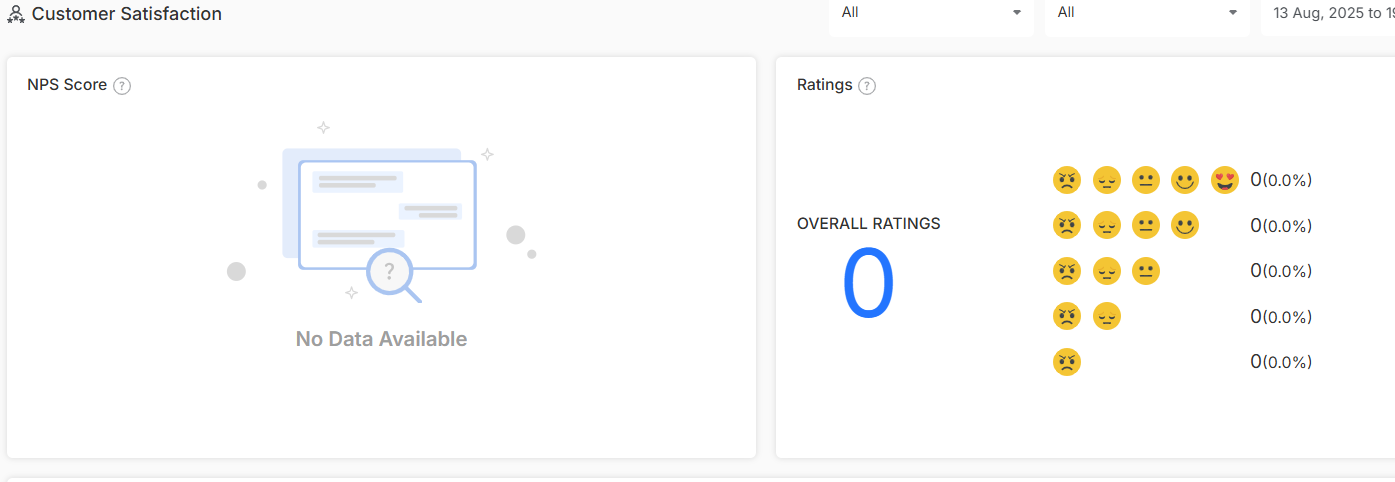
NPS Score
Net Promoter Score measures customer loyalty by asking how likely customers are to recommend your service, ranging from 0-10. It categorizes responses into Promoters (9-10), Passives (7-8), and Detractors (0-6), providing an overall satisfaction benchmark.
Ratings
This metric displays customer feedback ratings given after service interactions, typically on a scale of 1-5 stars. It provides immediate insight into customer satisfaction levels and helps identify trends in service quality across different interactions and timeframes.
NPS Performance
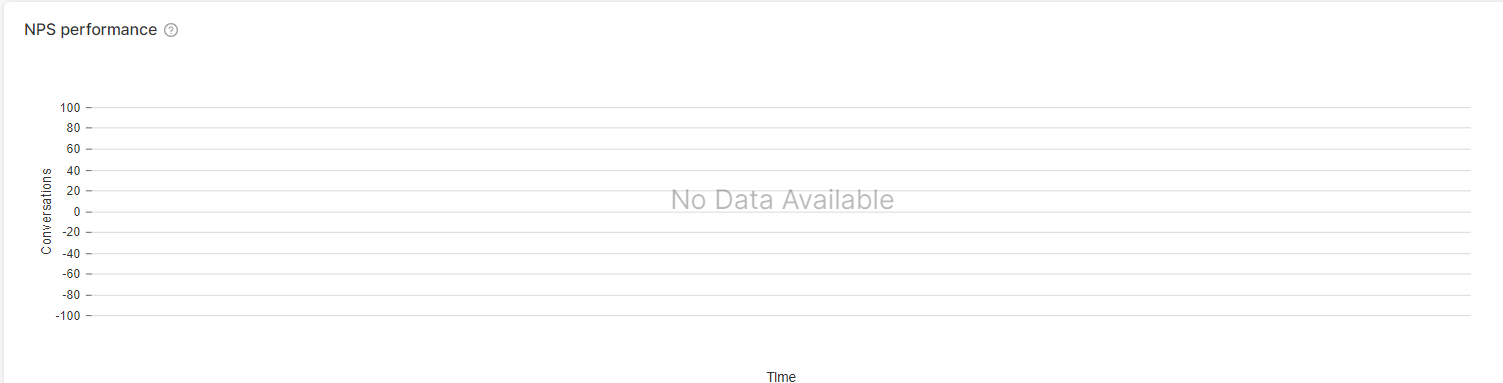
Dive deeper into how your Net Promoter Score changes over time. Track improvements in customer loyalty, see how your service improvements are actually impacting customer advocacy.
Ratings Performance
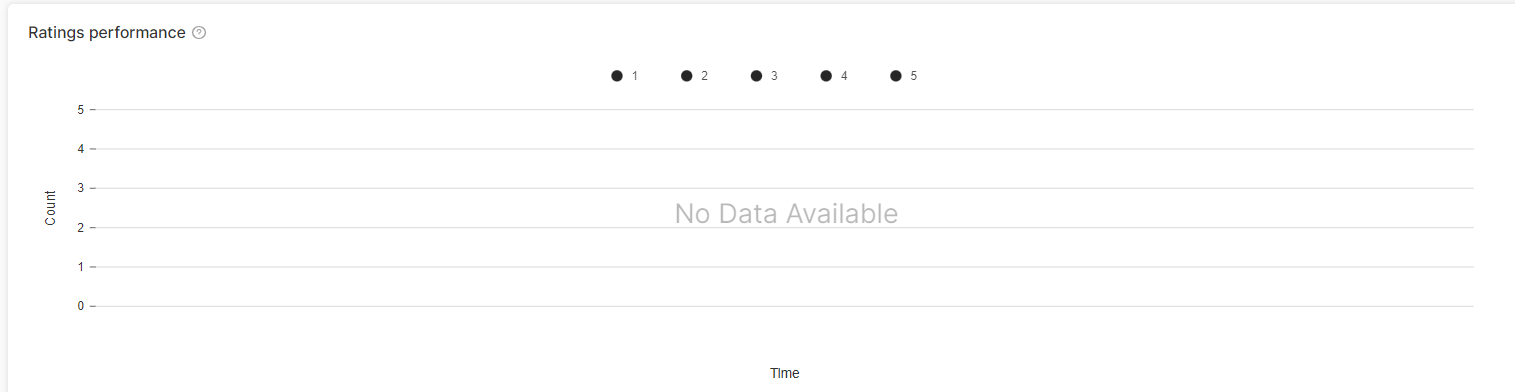
Get the big picture of how your ratings evolve across different time periods. You can track average ratings, how scores are distributed, which helps you identify what's working well and what needs your attention
Agent Rating Table

This detailed breakdown shows how each team member is performing according to customer feedback. See individual NPS scores and rating distributions to identify support team members who could use some extra training.
What's Next? Let's dive deeper into understanding your customers
- Customer reporting - Get detailed insights into customer behavior and preferences
- Create email survey - Create surveys to gather customer satisfaction feedback
- Create chat survey for customer satisfaction report - Build surveys that capture feedback right after conversations