
This powerful dashboard tracks everything happening across your live chat, email social media, and SMS channels. It will help you see which channel customers love most to respond and where you're solving their problems fastest
Importance:
- Identifies the most effective communication channels for customer engagement and resource allocation
- Enables data-driven decisions for channel-specific improvements and training needs
- Helps maintain consistent service quality across all customer touchpoints
- Supports cost optimization by highlighting underperforming or redundant channels
To access Channels Reporting, navigate to Analytics for the main dashboard menu. You can find it under the conversations section
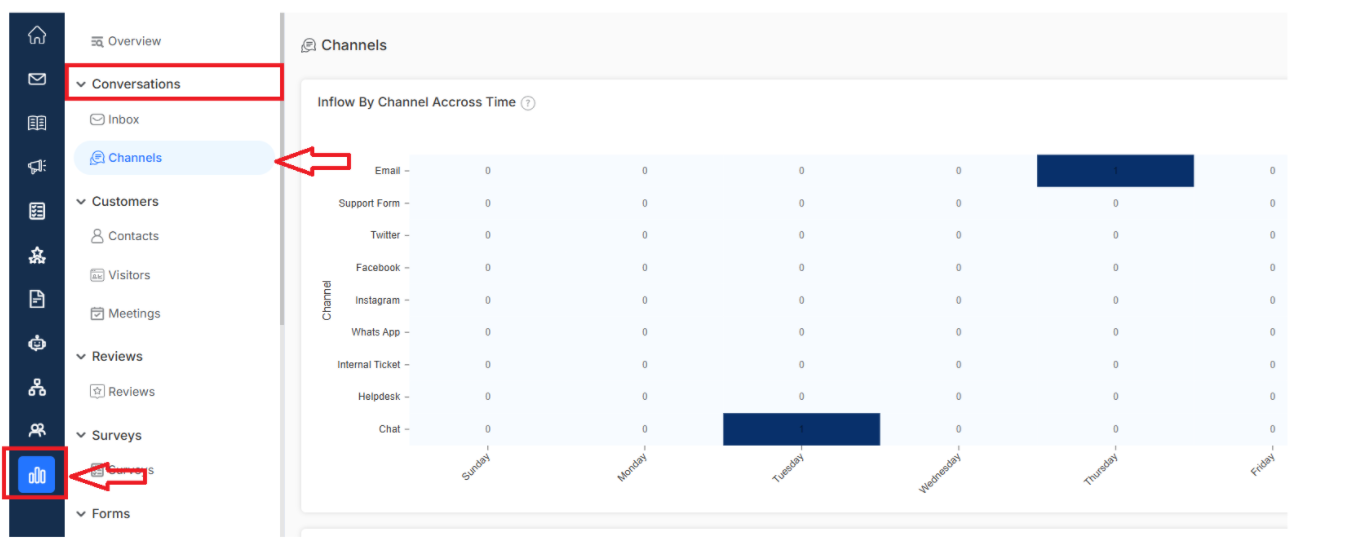
Key metrics include
Inflow By Channels Across Time
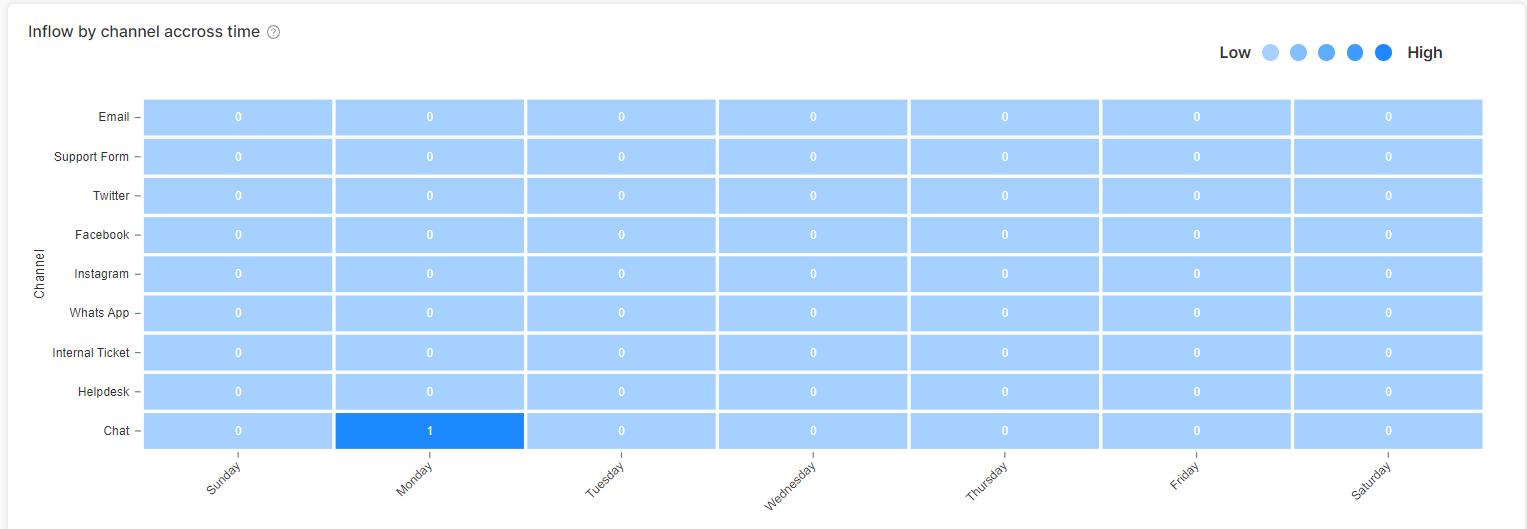
Shows the volume of incoming customer communications across different channels (chat, email, social) over specific time periods. Helps identify peak communication periods and trending channels, enabling better staff scheduling and resource allocation.
Channel Distributions Over Priorities
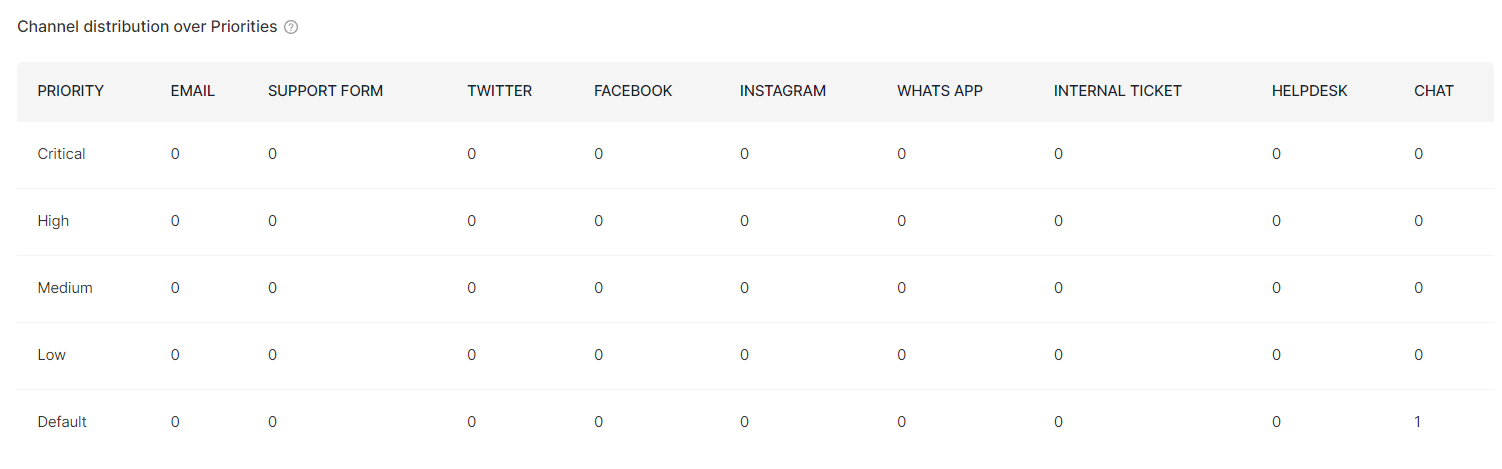
See how different priority levels of customer inquiries are distributed across various communication channels. Helps understand which channels handle more urgent matters, allowing for better routing strategies and response protocols.
Inbox Activities
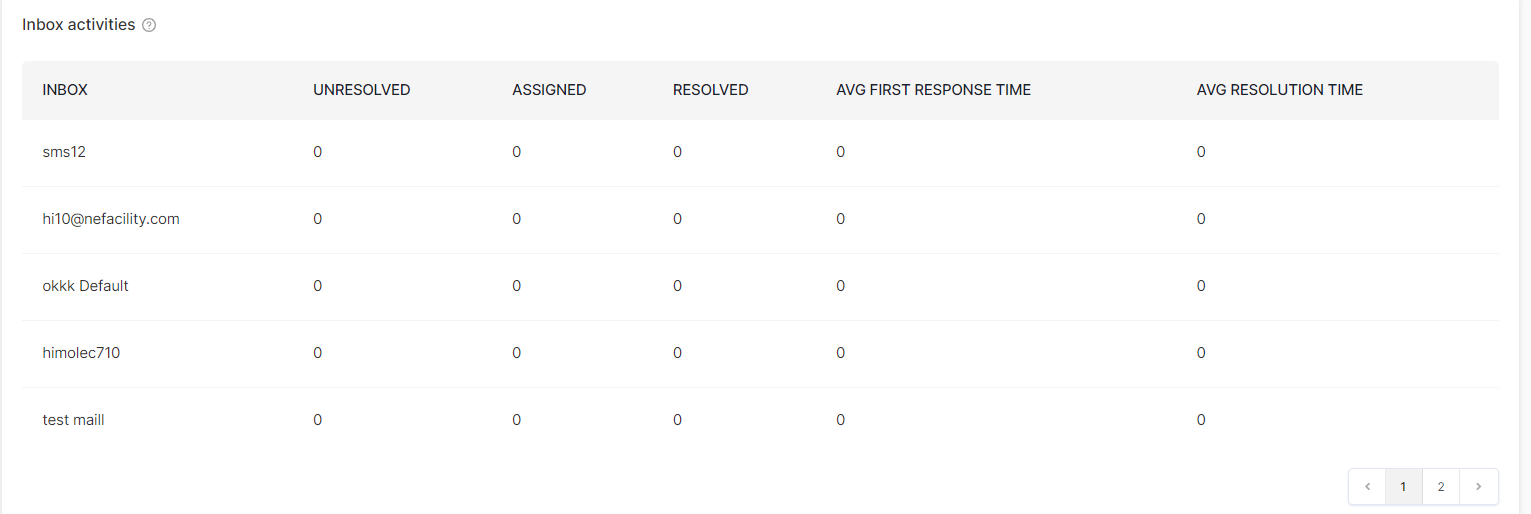
Get the inside scoop on how your agents are handling messages across all your email inboxes. Track response times and see workflow efficiency to spot any bottlenecks that might be slowing down the service process.
Now that you have understood all channel analytics, let's dive deeper into your communication performance.
- Inbox reporting: Get detailed insights into email inbox performance
- Team Inbox overview: Learn how to optimize your team's collaborative workflow