
Ready to see how your chat campaigns are performing? Omni24's Chat Campaign Analytics gives insights to understand what is working best. You will get real-time data on how many people are engaging and converting through chat campaigns. Let's explore different metrics that help you measure:
To access Chat campaign reporting:
- Navigate to Analytics for the main dashboard menu. You can find it under the customer support section
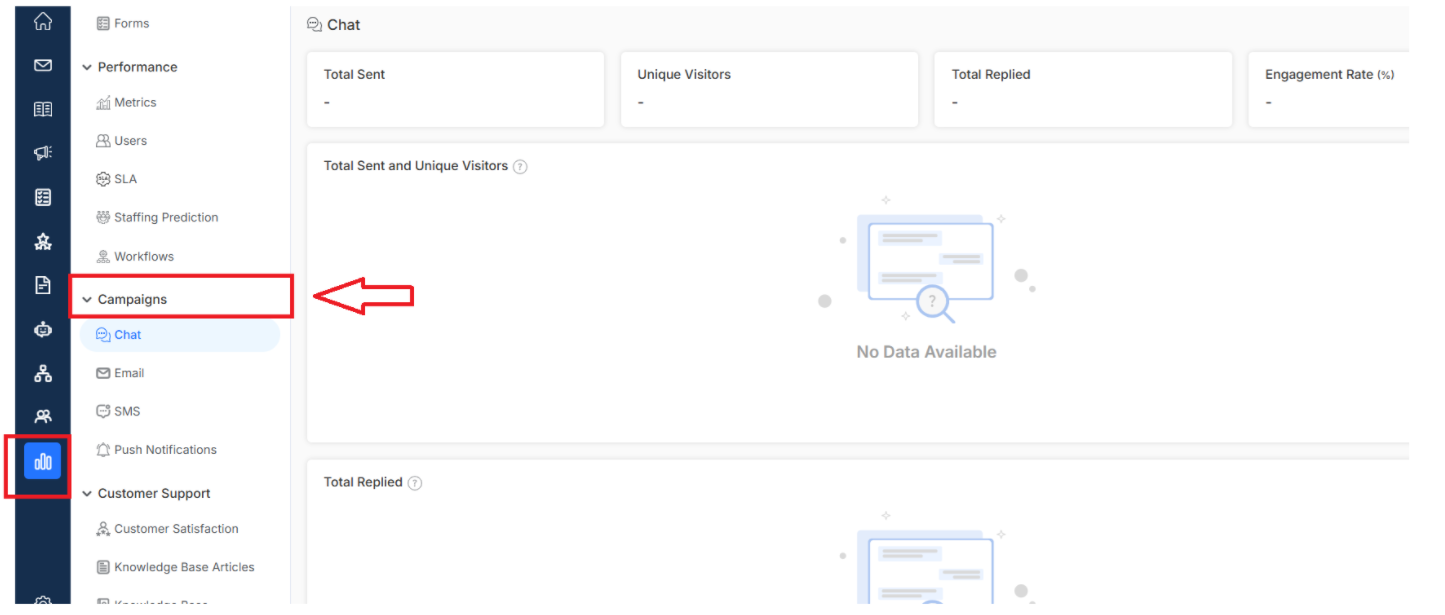
Key Metrics included

Total Sent
Track how many chat campaigns you have sent out during a specific time period compared to before to see how active your outreach efforts.
Unique Visitors
Shows the number of new customers visited from the campaign in a period of time compared to the previous duration. Counting each visitor only once, regardless of multiple visits
Want to create your own chat campaign? Click here to learn how to set up engaging chat campaigns that
Total replied
Discover how many campaign recipients actually responded and engaged with your campaign by starting conversations. High reply rates mean your campaigns are compelling.
Total Sent and Unique Visitors

A combination metric showing both the total campaign invitations sent and the number of unique visitors reached, helping measure chat campaign efficiency
Total Replies
Graph showing the total number of replies received from the visitors who have received the campaign. More about customer reporting. Click here