
Omni24’s Knowledge Base serves as a centralized information repository for support teams and customers. It allows you to create, organize, and share troubleshooting guides and product documentation for preparing efficient self-service support options.
Benefits Of a Knowledge Base
- Reduces support ticket volume by enabling customer self-service and quick answers to common questions
- Ensures consistent and accurate information delivery across all support channels
- Improves agent productivity by providing them instant access to verified solutions and documentation
- Saves time and resources through 24/7 availability of information without requiring live agent intervention
Getting Started With Knowledge Base
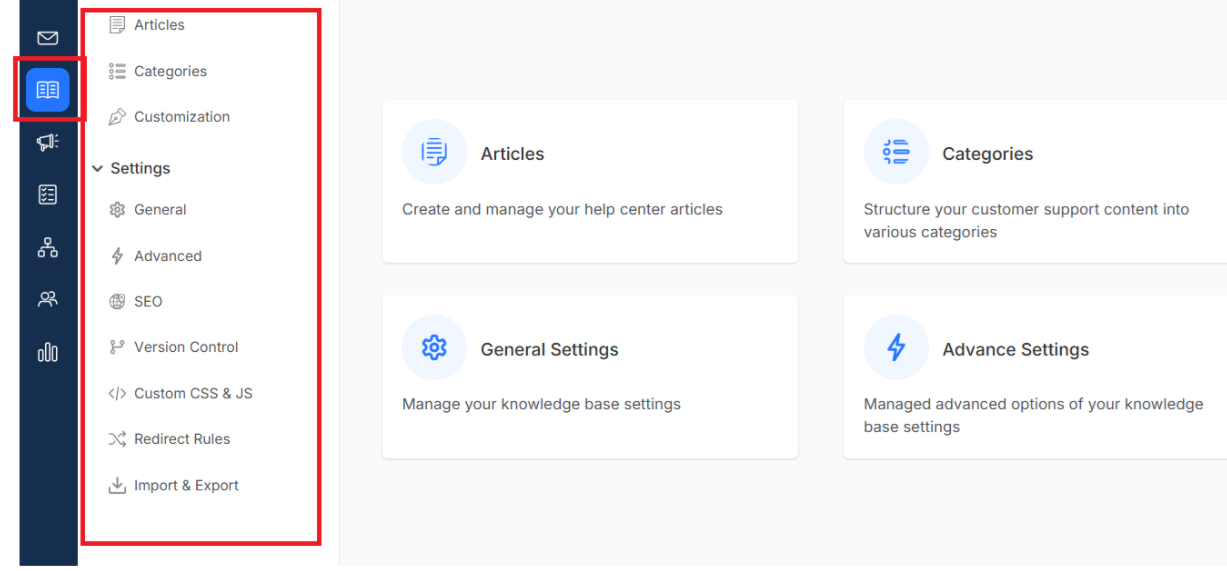
Knowledge Base
Articles: Create, write, edit, and publish helpful articles that actually solve customer problems. Learn more on how to create and manage articles that customers love reading.
Categories: Organize your support content into logical sections so customers can find answers quickly. Click here to discover how to create categories that make sense.
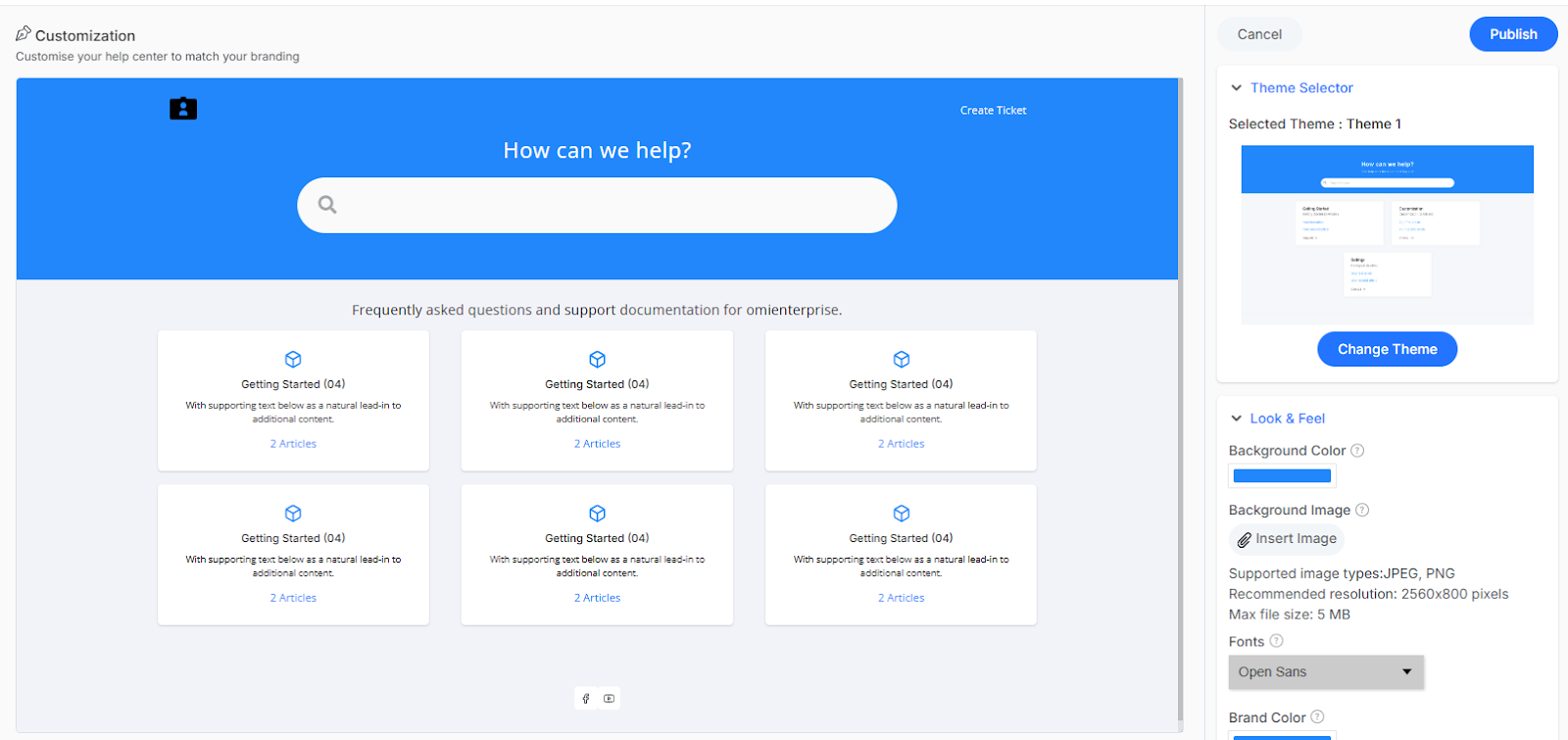
Customization: Make your help center look amazing and perfectly on-brand so customers feel like they're getting help directly from you. Explore all your customization options for a stunning help center.Learn More
Advanced Settings
To Access the advanced setting, navigate to the selected knowledge base and click on the settings dropdown to access all the options
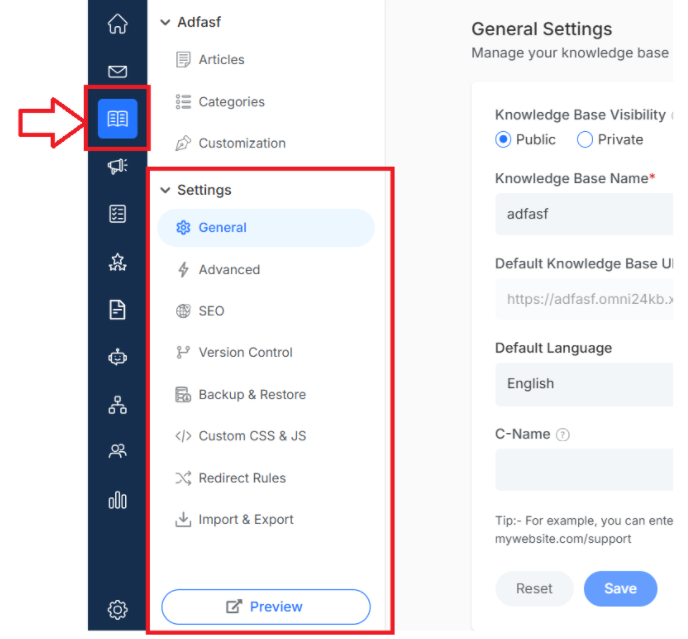
It covers:
- General Settings: Configure basic KB parameters like name, description, language, and visibility options. It helps you to manage your knowledge base efficiently
- Advanced Settings: Unlock powerful tools like automatic ticket creation from knowledge base interactions. It bridges the gap between self-service and human support seamlessly.
- SEO: Help customers find your answers through search engines with optimized meta titles, descriptions and keywords. It is great ro optimize content to help reach people even before they contact.
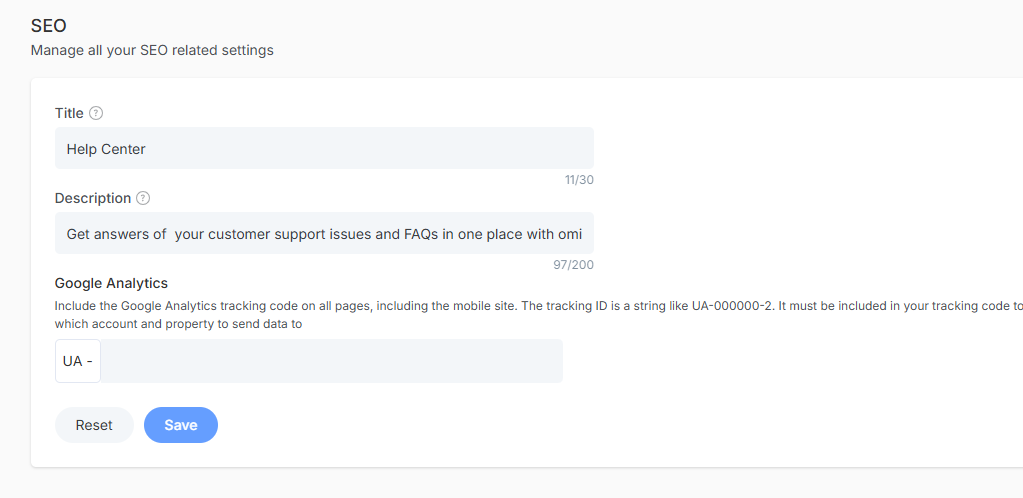
- Backup and Restore: Protect your valuable content with automatic backups and easy restore options for peace of mind. Helpful content stays safe and cna be recoverable no matter what happens.
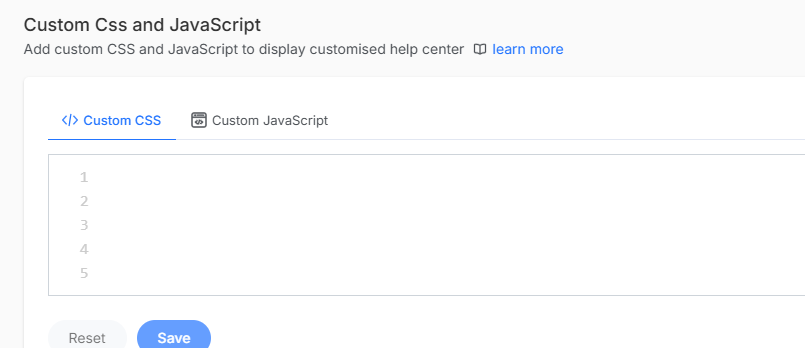
- Custom CSS and JavaScript: Add your own CSS and JavaScript to make your knowledge base look good. Add design elements that match your brand and user experience goals.
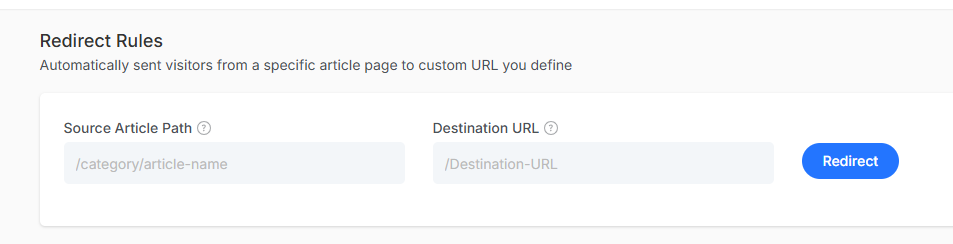
- Redirect Rule: Set up URL redirects so links always work, even when you reorganize your content structure. Customers and search engines will also maintain a professional and seamless experience.
- Import and Export: Transfer KB content in and out of the system using various file formats.
- Preview: See exactly how your knowledge base looks to customers before publishing. You can test new content, design changes and functionality without affecting the live customer experience.