Omni24 offers a wide selection of question types to help you collect precise feedback tailored to your specific objectives. This guide will help you explore various question formats and their optimal use cases for effective survey design.
Want to get a complete guide on how to create a Survey? Click here for everything you need to know
Note: These question types are common for all types of surveys
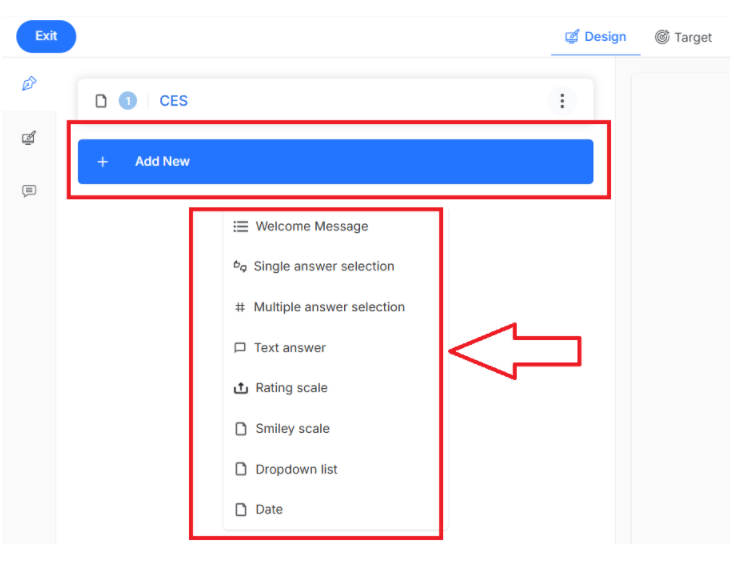
Welcome Message
A welcome message serves as the opening introduction that greets respondents when they access the survey. It sets the tone and explains the survey's purpose to encourage participation.
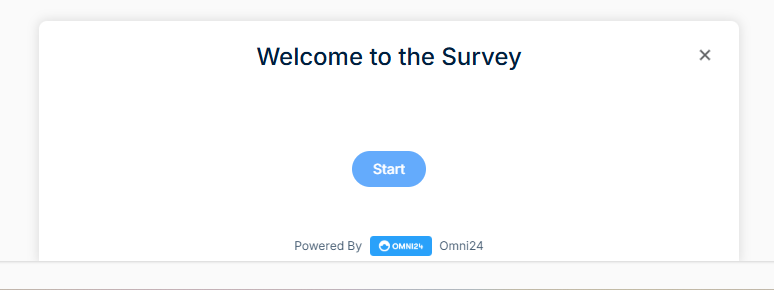
- Provides context about survey length, purpose, and how responses will be used
- You can customize this screen by editing the button label.
Single Answer Selection
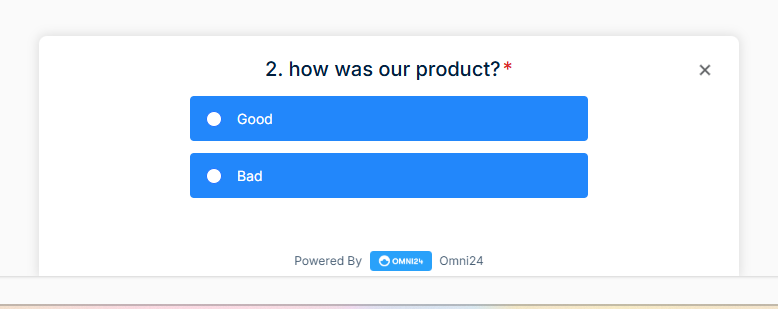
Single-answer selection questions require respondents to choose exactly one option from two different options. It works best when you need mutually exclusive responses and want to prioritize their preferences.
-
- Ensures clear decision-making by eliminating ambiguity in responses
- Add an introduction, submit button and enable the mandatory field to receive more precise feedback.
Multiple Answer Selection
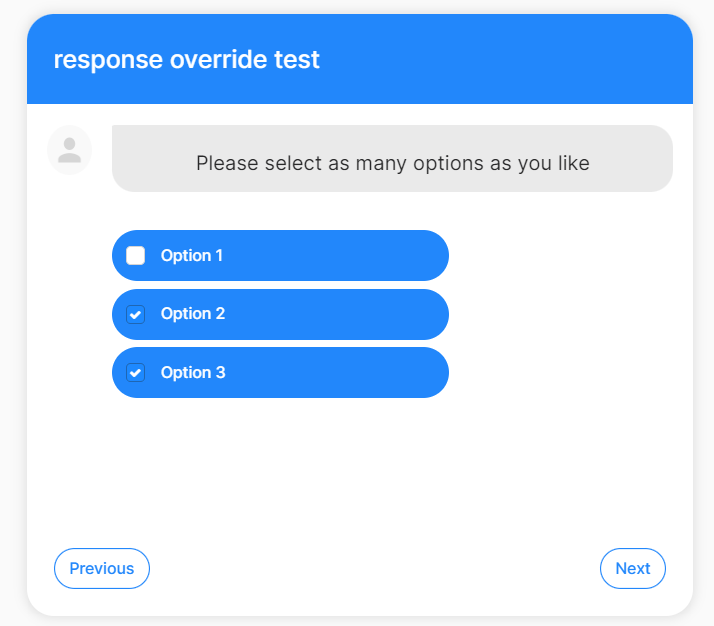
Multiple answer selection allows respondents to choose several options from a provided list of choices simultaneously. It captures feedback when respondents have multiple relevant experiences to share.
Text Answer
The question type provides an open-ended input field where respondents can write detailed responses in their own words. This format captures specific feedback that predefined options might not adequately address or represent.
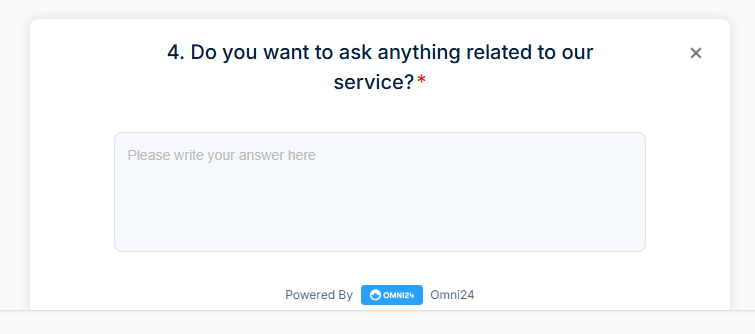
- Great way to collect more information about your score in NPS, smiley, or rating scale
- Allows respondents to express unique perspectives that structured questions might overlook entirely
Rating Scale
Rating scales ask respondents to evaluate using numerical values typically ranging from one to ten. This format makes it easier to measure satisfaction levels and track changes over time.
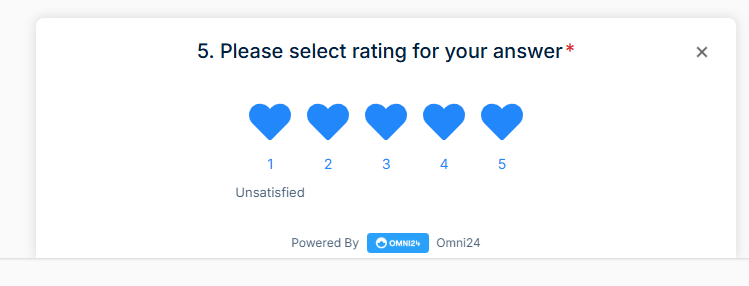
- You can choose from stars, numerical, or like scales and change the text on the left and right.
- Facilitates easy comparison between different aspects of your product or service offering
Smiley Scale
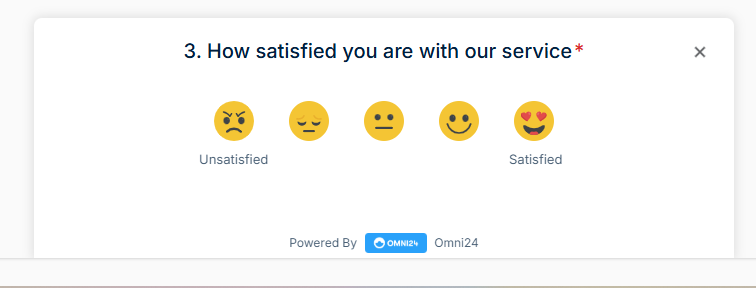
Smiley scale questions with emoji faces ranging from very unhappy to very happy to help your survey respondents express satisfaction levels. It makes surveys more engaging and intuitive, especially for measuring emotional responses.
- Saves screen space while accommodating extensive lists of options.
- Generates higher response rates by making the survey experience more enjoyable and less intimidating
Dropdown List
This question presents options in a collapsible menu format where respondents click to reveal and select choices. This format works well when you have many options but want to keep the survey interface clean.
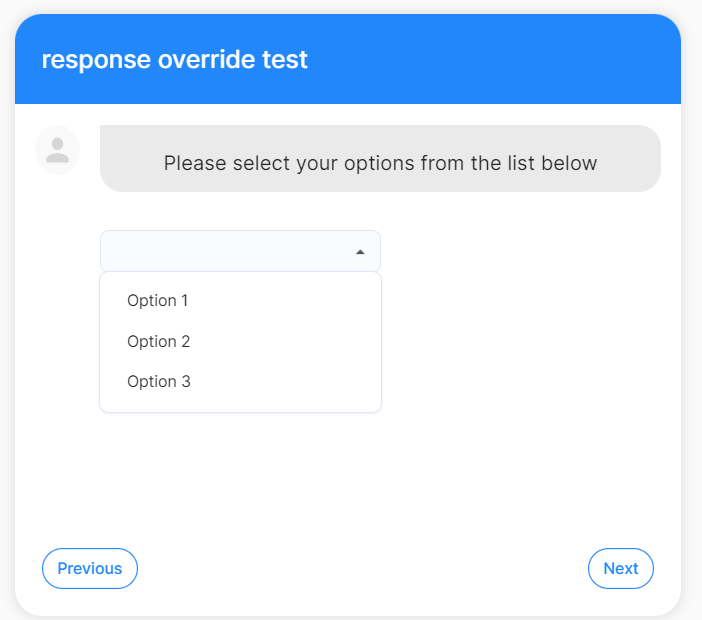
- It's different from "Single answer selection" in that all options become accessible after clicking on the arrow, but in it only one.
- Allow respondents to select one value from a dropdown list.
Date
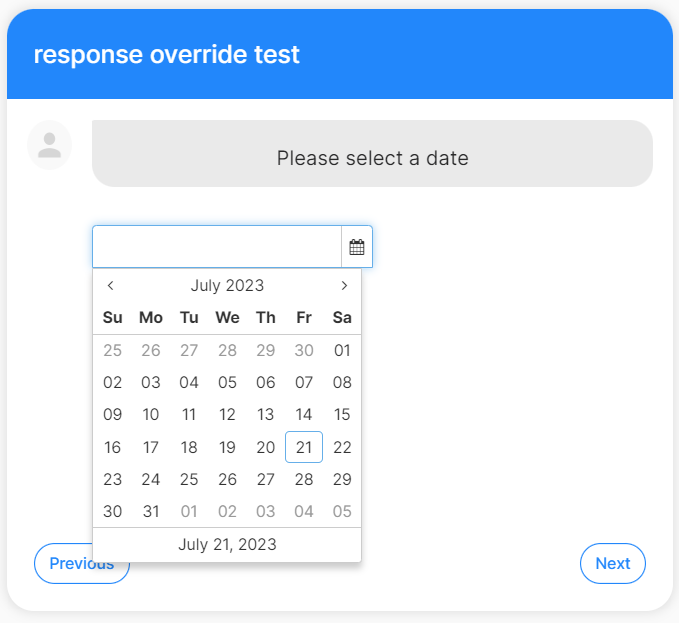
Allow respondents to input specific dates using calendar or date picker interfaces for accuracy. It captures temporal information essential for tracking events, appointments or time-sensitive feedback.