
Ready to celebrate your team's wins and support their growth? The agents' reporting dashboard provides insights into individual agent performance. It tracks real-time agent activities and historical data to help monitor service quality and optimize team productivity.
Importance:
- Enables data-driven decisions for resource allocation and team scheduling
- Identifies top performers and areas needing improvement for each agent
- Helps maintain consistent service quality across the support team
- Supports fair performance evaluations based on actual metrics
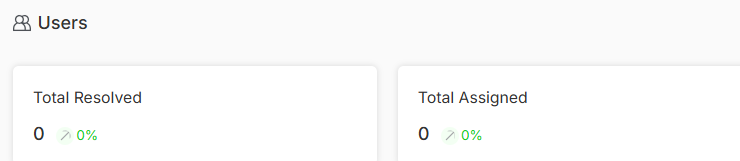
Total Resolved
You can view the total number of issues resolved by the users compared to the previous duration. It helps managers evaluate individual and team completion rates across different time periods.
Total Assigned
You can see the Total number of assignments to users compared to the previous duration to get a complete reflection of workload distribution, agent capacity and resource utilization.
Assigned Vs Resolved
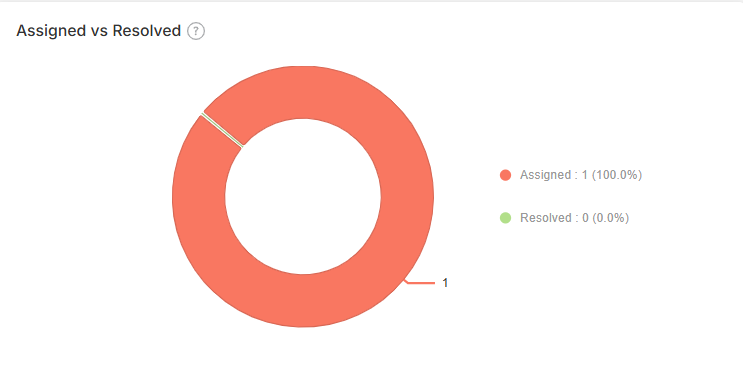
Compares the ratio between tickets assigned and those resolved by agents. This metric reveals efficiency levels, backlog management and potential bottlenecks, leading to identifying agents that might need training.
NPS Score
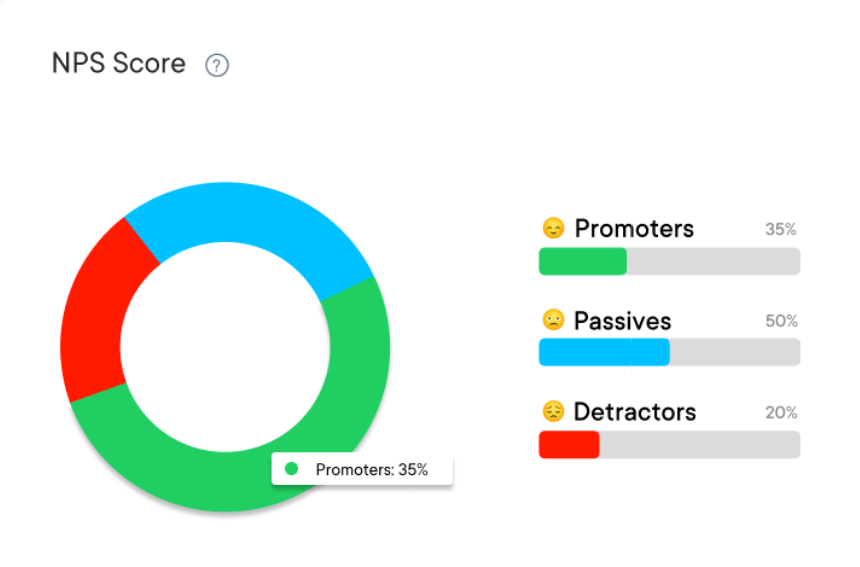
View each agent's Net Promoter Score through graphical visualization over specific time periods. This shows you the service quality each team member provides as well as areas for improvement.
Users Assigned Overtime
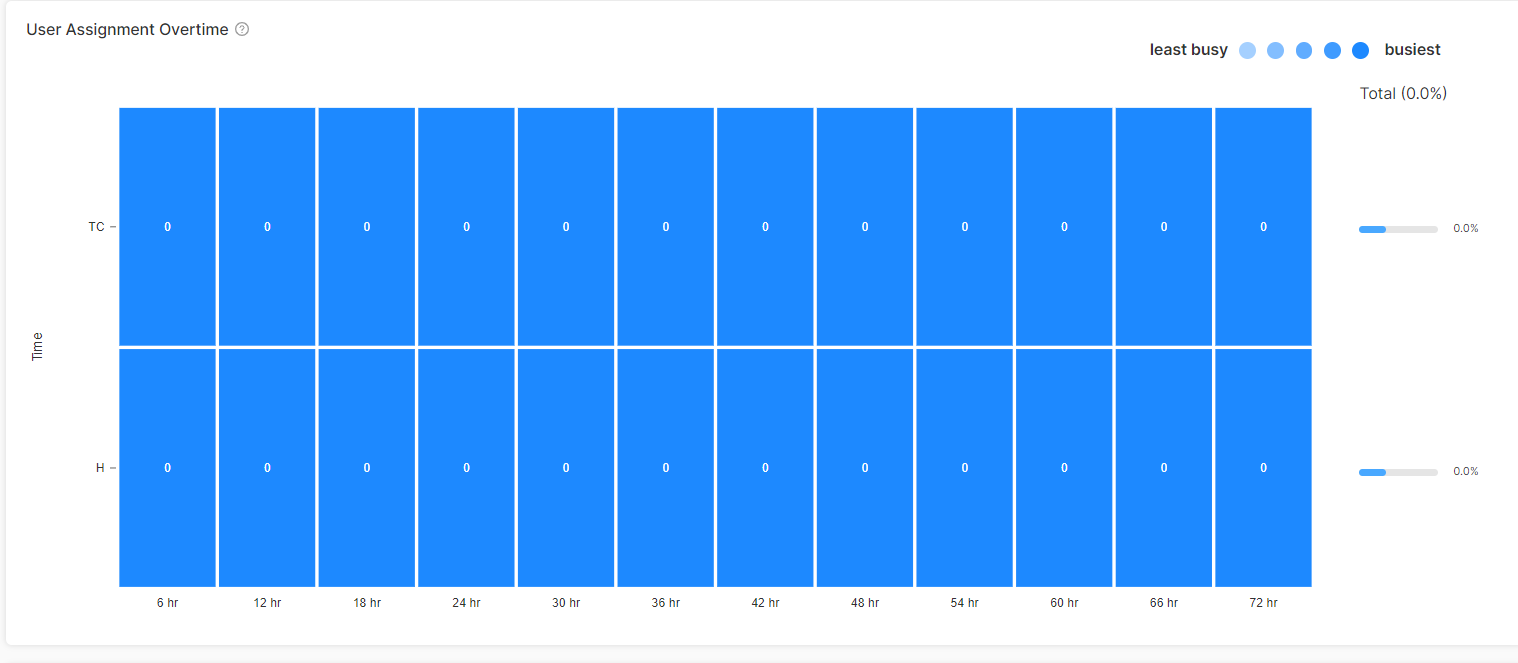
Explore a visual heatmap showing how conversations are assigned to each agent over time to help you understand peak periods and smarter capacity planning decisions for optimal performance.
User Activities Over Time
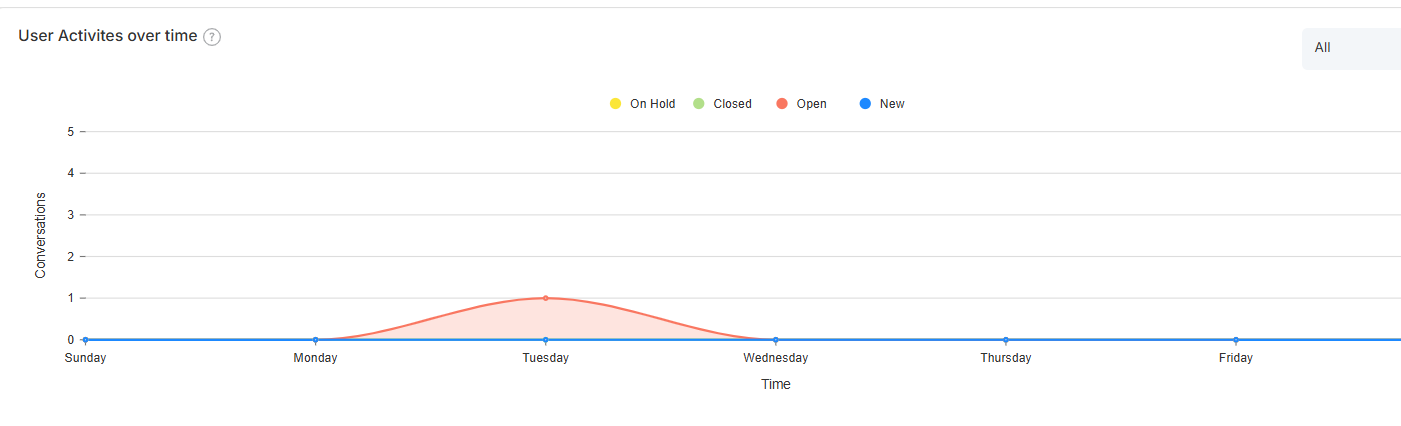
Watch how each user's activity status changes with their assigned conversations with respect to the selected period. It gives an insight into work patterns and team members' engagement with assigned tasks.
User
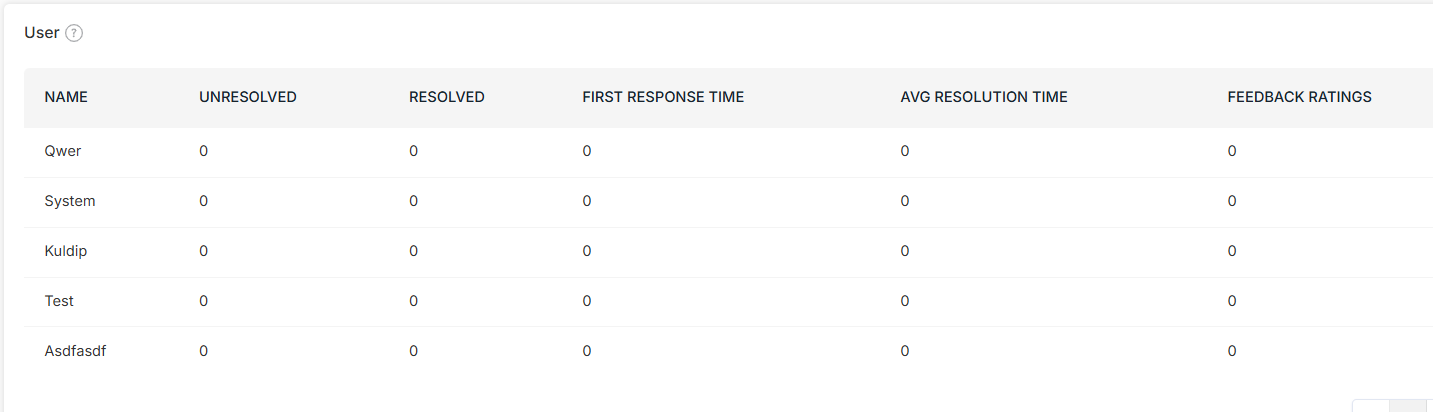
Get a complete performance overview list for every team member, from first response times to resolution times. This 360-degree view helps you understand each agent's strengths and areas where they can improve.