
Staffing and Workflow Reporting KPI in Omni24 helps you to monitor agent performance patterns and workload distribution across teams. It provides insights into scheduling, effectiveness and resource allocation to ensure optimal customer service delivery through real-time monitoring.
Importance:
- Enables data-driven decisions for staff scheduling and resource optimization
- Identifies peak periods and potential bottlenecks in customer service operations
- Supports evidence-based performance evaluation and training needs assessment
Staffing Prediction
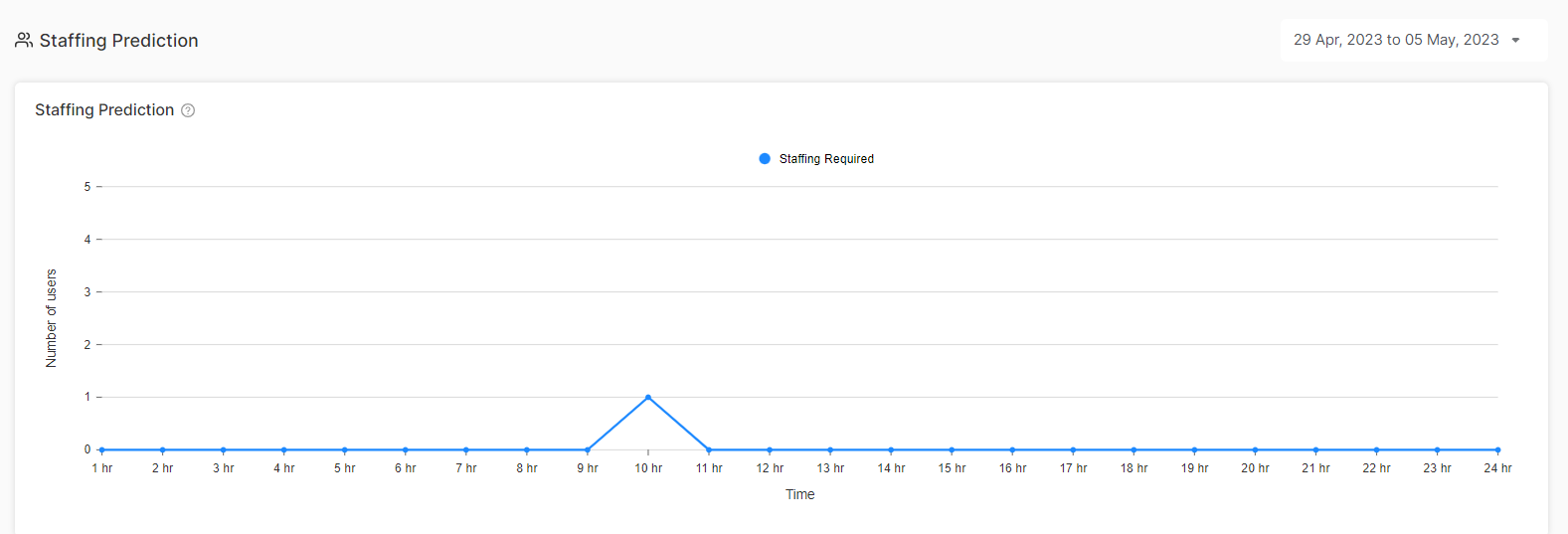
The graph shows an overview of the number of staff required based on time for handling customer conversations over a selected period. It considers factors like time zones, peak hours to make accurate staffing recommendations.
Note: Click here to learn more about users reporting
Workflow
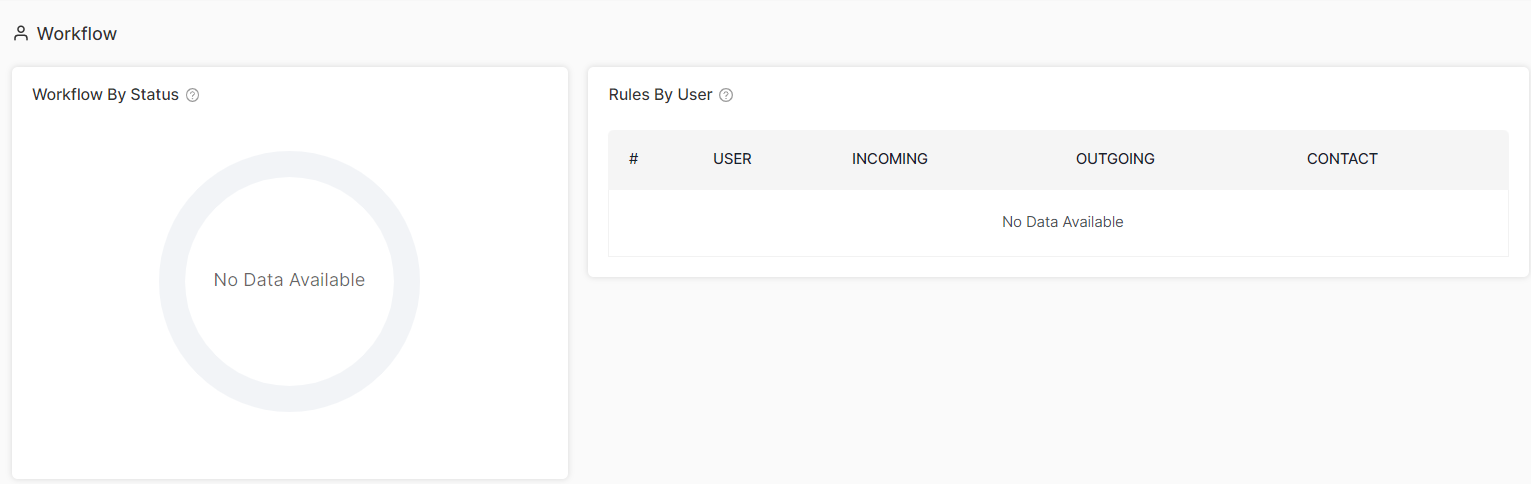
Workflow By Status
The graph shows all the workflow rules that are created based on the status of the conversation. Help you to identify bottlenecks in your workflows and ensure efficient management across the support team. Learn more about workflow builders.
Rules By Users
Monitor how well individual agents follow up on your established workflow rules. This shows you the rule compliance rates and whether team members are maintaining standard procedures.
Contact Impacted Data
See which contacts are being affected by your service delivery based on user activity over a time period. It helps you measure how effective your service is at the individual contact level.
Conversation Impacted
The graph shows the number of conversations that are affected over a selected period. It provides insights into the effectiveness of customer communication strategies and agent performance.
Ready for more detailed insights? Check out Inbox reporting for even deeper performance analytics